

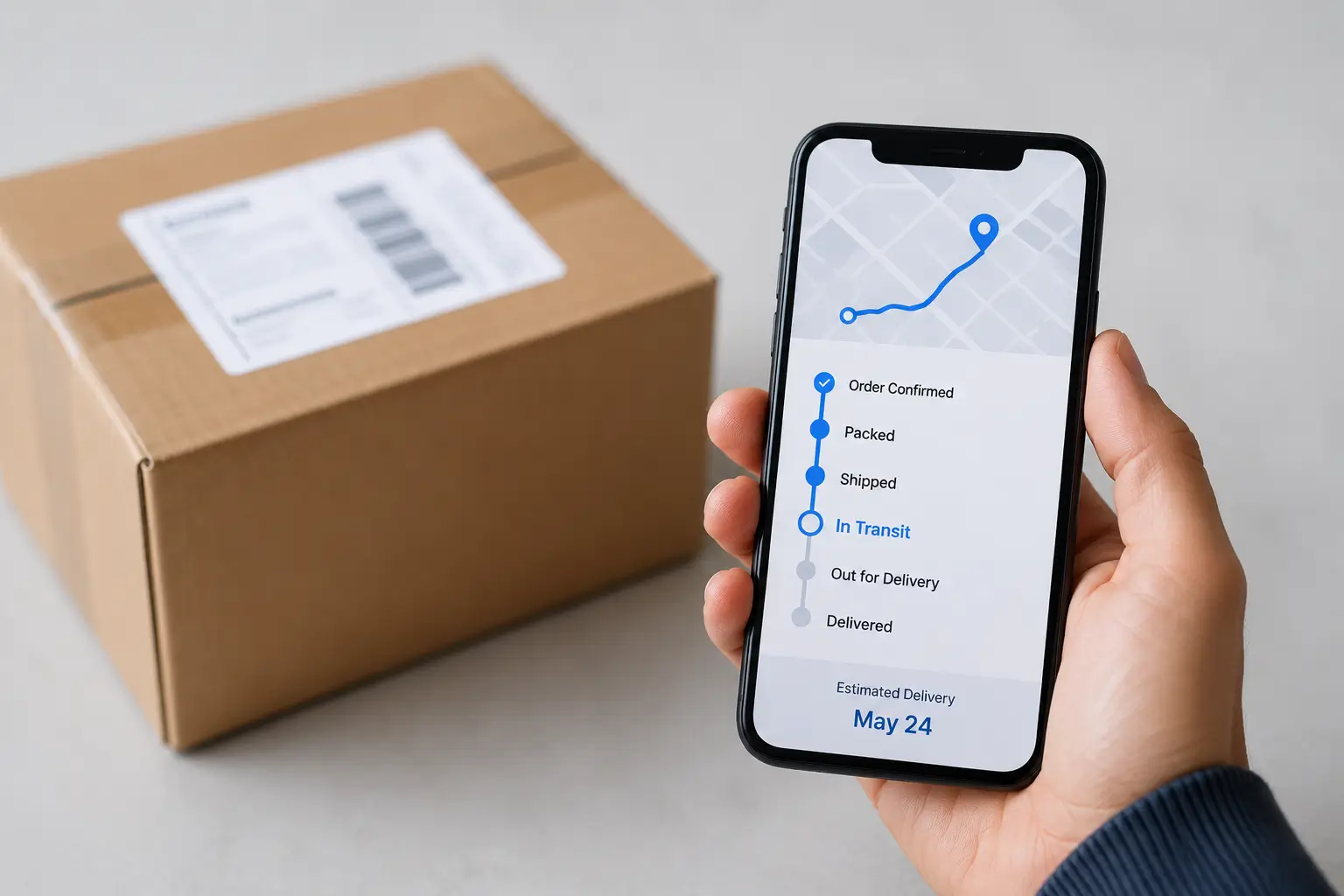
Online shopping is now a daily habit. Since you often order things like groceries, clothes, or electronics, tracking your package helps you stay calm and plan for when it arrives.
Today, most companies provide live updates from the moment you buy until the package reaches your door. By using tracking links, text alerts, emails, or apps, they keep you updated at every step. This makes shopping easier and helps you know exactly when to expect your delivery.
What Is Order Tracking?
It is the process of monitoring a package as it moves through different stages of delivery. Each time the package is scanned at a warehouse, sorting center, or delivery hub, the tracking information is updated.
When you track a package, it goes through a few simple steps. It gets confirmed, processed, packed, shipped, sent on its way, taken out for delivery, and finally dropped off at your home. These updates are great because they let you see exactly where your order is and when it will arrive.
Why Staying Updated with Order Tracking Matters
Order Tracking your package makes everything easier:
- Know when to expect it: You will know exactly which day your delivery will arrive.
- Be ready: You can make sure someone is home for items.
- Spot problems early: You will see right away if a shipment is running late.
- Don’t miss a delivery: You are available when the package arrives.
- Get help fast: You can contact customer service immediately if something goes wrong.
- Stay relaxed: You don’t have to worry about where your package is.
7 Smart Ways to Stay Updated with Order Tracking
1. Save Your Tracking Number Immediately
Your tracking number (also called an AWB or shipment ID) is the most important piece of information for monitoring your order.
You’ll usually receive it through:
- Order confirmation email
- Shipping confirmation email
- SMS notification
- Seller account dashboard
Save it or take a screenshot so it’s easy to access later.
2. Enable Email and SMS Notifications
Most online stores and courier companies allow customers to receive automatic updates whenever the shipment status changes.
Notifications may include:
- Order shipped
- Package in transit
- Out for delivery
- Delivery completed
- Delivery exceptions
Automatic alerts eliminate the need to manually check tracking pages throughout the day.
3. Use the Courier’s Official Tracking Page
If you know which courier company is delivering your package, visit its official tracking page and enter your tracking number.
Using official carrier websites (like FedEx, UPS, or DHL) is the best way to get updates because the information comes straight from the company handling your package.
These websites usually give you:
- Live updates: You can see exactly where your package is right now.
- Arrival times: You get a specific date and time for when it should arrive.
- Delivery history: You can see if a driver has already tried to drop it off.
- Proof of delivery: You can check who signed for the package.
- Delay alerts: You will be the first to know if your package is running late.
Because this information comes directly from the delivery network, it is the most reliable tracking data you can get.
4. Install the Shopping or Courier App
Many stores and delivery companies have apps that let you track your packages right on your phone.
These apps save you time because you don’t have to keep checking your email. They also come with some great features:
- Instant alerts: You get automatic notifications on your phone so you never miss an update.
- Live tracking: You can see exactly where your package is at any moment.
- Handy reminders: The app will send you a quick note to let you know when your package is about to arrive.
- Order history: You can easily see all your past and present orders in one spot.
- Quick support: If you face any problem, you can connect to customer service through the app.
5. Understand Tracking Status Messages
Many customers worry when they see unfamiliar tracking updates. Understanding these statuses can help avoid unnecessary concern.
| Tracking Status | Meaning |
| Order Confirmed | Seller received your order. |
| Processing | The order is being prepared. |
| Shipped | The package has left the warehouse. |
| In Transit | The shipment is moving through the logistics network. |
| Arrived at Hub | The package has reached a sorting facility. |
| Out for Delivery | A delivery agent is bringing the package today. |
| Delivered | The shipment has been successfully delivered. |
| Delivery Attempted | Delivery could not be completed, and another attempt may follow. |
Knowing these terms helps you understand where your package is and what to expect next.
6. Monitor Delays Without Panicking
It is normal for tracking updates to stop for a day or two. This often happens on weekends, holidays, during bad weather, or when shops are extra busy. If you haven’t seen an update in 24 to 48 hours, don’t worry, as this is usually fine. However, if there are no new updates for more than three days, you should reach out to the delivery company or the store where you bought the item.
7. Contact Customer Support When Necessary
If your package is stuck or late. You should contact the store or delivery company for help. It is important to have your tracking number, order ID, address, and a screenshot of the latest update ready for fast processing. Giving them this information right away helps them fix the problem much quicker.
Conclusion
Tracking your order is the main part of shopping online. You can get updates every step of the way by keeping your tracking number safe, turning on notifications, and using official tools. These simple tips help reduce stress in your mind and handle any delays. It makes sure your package gets from the store to your door without any trouble.
Frequently Asked Questions
1. How can I track my online order?
Use the tracking number provided by the seller or courier on the official tracking page or in the retailer’s app.
2. Why isn’t my tracking updating?
Tracking may pause while a package is traveling between facilities or during periods of high shipping volume. If there has been no update for more than 72 hours, contact the courier.
3. What does “In Transit” mean?
It means your package is moving through the delivery network and has not yet reached the final delivery location.
4. What should I do if my package shows “Delivered” but I haven’t received it?
Check around your property, ask household members or neighbors, and then contact the courier or seller if you still can’t locate it.
5. Can I track an order without a tracking number?
Some stores let you track orders using your account, order number, or phone number. However, using your tracking number is usually the easiest way to track a package.