

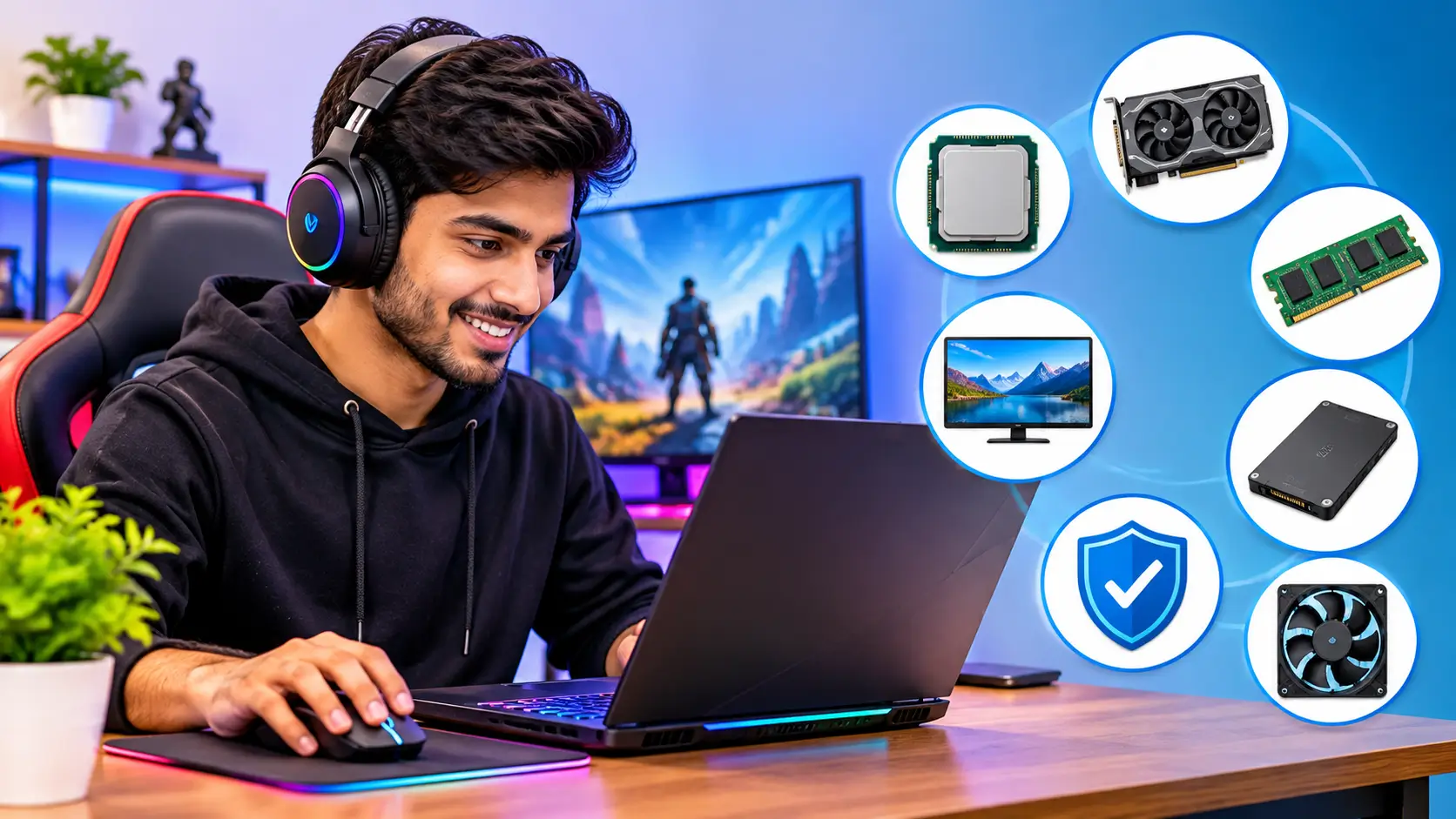
Buying a gaming laptop can be a complicated experience with so many brands, models, and technological features available. Some laptops have strong graphics cards. Others are about speedy screens, improved cooling, or beautiful designs. Prices vary greatly as well.
However, you do not need the most expensive laptop to enjoy a good gaming experience. You need a machine that matches the games you play, your budget, and your everyday needs. A gaming laptop should also handle regular tasks such as online classes, office work, video editing, and entertainment. That makes your buying decision even more important.
1. Decide Your Gaming Needs First
When considering computers, think about the kinds of games you want to play. Your gaming habits will tell you how much performance you really need. For instance, casual games and older games generally require less powerful technology. For popular competitive games, you want a fast processor and a display with a high refresh rate. A lot of the newer games with a lot of graphics require a stronger graphics card and more RAM.
Ask yourself these questions:
- Do you play games occasionally or every day?
- Do you prefer competitive multiplayer games or story-based games?
- Do you want to play the latest demanding games?
- Will you also use the laptop for work, studies, or video editing?
If you mainly play casual games, you may not need an expensive gaming laptop. However, if you want to enjoy demanding games with better graphics, invest in a model with a capable dedicated graphics card.
2. Choose the Right Graphics Card (GPU)
The graphics card is one of the most significant pieces of a gaming laptop. It takes care of the graphics that you see on the screen. A powerful GPU can help increase frame rates and help games render at greater visual quality.
Most gaming laptops come with a dedicated graphics card from either AMD or NVIDIA. Some entry-level versions may also include integrated graphics as well. However, integrated graphics typically do not offer the same gaming performance as a good standalone GPU.
NVIDIA or AMD: Which One Should You Choose?
Both NVIDIA and AMD offer graphics solutions for gaming laptops. NVIDIA GeForce RTX laptop GPUs support features such as ray tracing and DLSS on supported models and games. AMD Radeon graphics also offer gaming features on compatible systems.
Do not choose a laptop only because it carries a particular brand name. Compare the actual GPU model and its performance in the games you want to play.
Check the GPU Power Limit
A graphics card’s name does not tell the whole story. Laptop manufacturers can configure the same GPU model with different power limits. This can affect its performance.
Check the laptop’s graphics power rating in the official specifications. Also, read independent reviews that test gaming performance and temperatures.
3. Select a Suitable Processor (CPU)
The processor manages many important laptop tasks. It handles game calculations, background applications, and general system operations. A powerful graphics card needs a suitable processor to deliver balanced performance. If you choose a weak CPU with a high-end GPU, you may not get the experience you expect in some games.
Popular gaming laptop processors come from Intel and AMD. Both companies offer different performance levels for budget, mid-range, and premium laptops. Look beyond the brand name. Check the exact processor model and its generation. Also, compare real-world performance instead of assuming that a higher number always means a better processor.
For regular gaming and everyday work, a modern mid-range processor may offer enough performance. People who play demanding games, stream gameplay, or edit videos may benefit from a stronger CPU.
4. Get Enough RAM for Smooth Performance
RAM enables your laptop to run games and other applications simultaneously. If your laptop doesn’t have enough memory, it may slow down when you open numerous programmes at once. For a new gaming laptop, 16GB RAM is a sensible starting point for many users. It can handle a wide range of modern games and everyday tasks.
Consider 32GB RAM if you regularly play demanding games while streaming, edit large video files, or use several heavy applications together. Before buying, check whether the laptop allows RAM upgrades. Some models have upgradeable memory slots, while others use memory that you cannot replace easily.
Also, check the RAM configuration. Two memory modules can offer better memory performance than a single module in systems that support dual-channel memory.
5. Choose an SSD With Enough Storage
Storage impacts how much data you can store on your laptop and how fast the system can load files and programmes. Most gaming laptops now use solid-state drives (SSDs). An SSD can help Windows start faster and reduce game loading times compared with a traditional hard drive.
A 512GB SSD can work for users who play a limited number of games. However, modern games can take up a lot of storage space. If you install several large games, you may run out of space quickly. A 1TB SSD offers more room for games, software, photos, and videos. It can be a better choice if your budget allows it. Check whether the laptop has an extra storage slot. This can make future upgrades easier.
6. Pay Attention to Display Quality
You will spend most of your gaming time looking at the laptop screen. Therefore, do not ignore display quality while comparing specifications. A good gaming display should offer clear visuals, smooth movement, and comfortable viewing.
Here are some important things to check:
a) Screen Size and Resolution
Most gaming laptops come with screens around 15 or 16 inches. A larger display can make games more enjoyable, while a smaller laptop may be easier to carry. Full HD resolution works well for many gaming laptops. Some higher-end models offer QHD or other higher-resolution displays. Remember that higher resolutions demand more graphics power.
b) Refresh Rate
Refresh rate is the number of times the screen refreshes each second. A higher refresh rate can make movement look smoother, especially in fast-paced games. However, your laptop must produce enough frames to take full advantage of the display.
c) Colour Quality and Brightness
If you also edit photos or watch movies, check the display’s colour coverage and brightness. A screen with better colour reproduction can make images look more natural. Do not rely only on words such as Full HD or high refresh rate. Read reviews and check the complete display specifications.
7. Never Ignore Cooling Performance
Gaming is intensive for both the CPU and GPU. These parts produce heat when working hard. A robust cooling system helps keep that heat under control. It can also assist the laptop in maintaining consistent performance in long gaming sessions. Check reviews for information about fan noise, keyboard temperatures, and performance under heavy load. A laptop that becomes uncomfortably hot may affect your gaming experience.
Remember that gaming laptops often produce noticeable fan noise during demanding games. This is normal to some extent because the cooling system needs to move hot air out of the machine. Keep the laptop on a hard, flat surface while gaming. Avoid blocking its air vents with a bed, pillow, or blanket.
8. Check Battery Life and Charging
Gaming laptops usually consume more power than regular office laptops. Their dedicated graphics cards, powerful processors, and high-refresh-rate screens can drain the battery quickly. You should not expect long gaming sessions on battery power. Many gaming laptops perform best when connected to their original power adapter.
Still, battery life matters when you use the laptop for browsing, reading, meetings, or office work. Check independent battery tests rather than trusting only the manufacturer’s estimated figures. Also, look at the charger size and weight if you plan to carry the laptop to college or work.
9. Set a Realistic Gaming Laptop Budget
Gaming laptops come in different price ranges. Your budget should depend on the games you want to play and the performance you expect. Do not spend more simply because a laptop has colourful lighting or an expensive-looking design. Focus on the processor, graphics card, RAM, storage, display, and cooling system.
You should also consider future expenses. A laptop with upgradeable RAM and storage may offer better long-term value. Compare at least three or four models before making a decision. Check prices on trusted online stores and brand websites. Also, compare warranty terms and return policies.
10. Check the Keyboard, Ports and Build Quality
A gaming laptop should feel comfortable during everyday use. A good keyboard can make a noticeable difference when you spend several hours playing games. Check the keyboard layout, key spacing, and typing comfort. Backlit keys can help when you use the laptop in a dim room, but RGB lighting should not be your main buying factor.
Also, check the available ports. Useful connections may include:
- USB-A ports for a mouse, keyboard, and other accessories.
- USB-C for compatible devices and supported display or charging functions.
- HDMI for connecting an external monitor or television.
- An Ethernet port for a wired internet connection.
- A headphone jack for a gaming headset.
Check the exact port features in the manufacturer’s specifications. Not every USB-C port supports the same functions.
11. Read Reviews Before Buying
Product specifications tell you what a laptop offers on paper. Real-world reviews help you understand how it performs. Look for reviews that test the exact laptop model you plan to buy. Pay attention to gaming frame rates, temperature, fan noise, display quality, and battery performance.
Also, check customer feedback about service support and common hardware problems. A laptop may offer impressive specifications but still disappoint if it has poor cooling or uncomfortable keyboard temperatures.
Mistakes to Avoid When Buying a Gaming Laptop
Many buyers focus on one specification and ignore the rest. This can lead to an expensive purchase that does not meet their expectations. Whenever possible, visit a store and try the keyboard, screen, and overall build quality yourself.
- Choosing only by GPU name: The graphics card’s power limit and cooling system also affect performance.
- Buying too little RAM: A 16GB configuration offers a more practical starting point for many modern gaming laptops.
- Ignoring display quality: A powerful laptop can still feel disappointing if its screen has poor brightness or colour quality.
- Overlooking storage: A small SSD can fill up quickly when you install several large games.
- Ignoring upgrade options: Check whether you can add more RAM or storage later.
- Buying without checking warranty: Understand the warranty period and available service support before paying.
Conclusion
The finest gaming laptop isn’t always the most costly laptop on the market. That is, you have to balance performance, display quality, cooling, storage, and price. Start by understanding your gaming needs. Then compare the graphics card, processor, RAM, and SSD. Check the display and cooling system carefully. Finally, read reviews and confirm the warranty details. Take your time before making a decision. A well-chosen gaming laptop can provide an enjoyable gaming experience and handle your everyday work for years.