

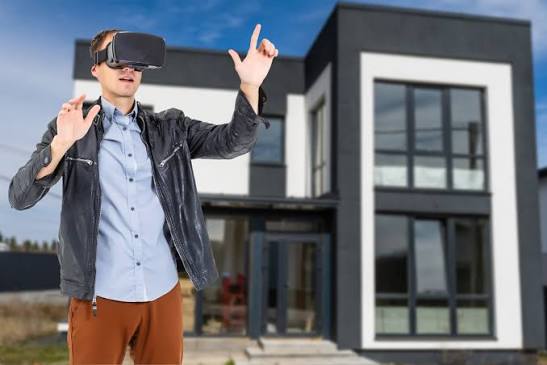
Buying a flat or villa that’s still under construction can be a little confusing. You’ve seen the floor plan, looked through the brochure and perhaps visited the site. But it’s still difficult to picture what the finished home will look like. Will the living room feel spacious enough? Is the kitchen too close to the entrance? These aren’t always easy questions to answer from a drawing. A virtual reality home tour can help you get a better idea of the layout before the property is ready. However, there are a few things you should check beyond what you see in the headset.
What a VR Walkthrough Actually Gives You
It’s not always easy to tell how a home will look or feel from a floor plan. A VR walkthrough gives you a better idea by turning the architect’s drawings into a digital space you can explore. You can see what the entrance looks like, how the hallway connects to other rooms and where the kitchen sits in the layout. It also helps you judge room sizes and whether there’s enough space for your everyday needs. Just remember that you’re looking at a digital representation of the proposed home, not the actual property.
What to Look For Inside the Headset
Don’t spend the entire tour admiring the furniture and wall colours. Pay attention to how much space the rooms have and whether the layout would work for your family. Picture your own bed or sofa in the room rather than relying on the furniture shown in the model. Check how you move from the entrance to the kitchen and bedrooms. Are the private areas separated from the living space? Look at the windows, balconies and ceiling height as well. Some tours allow you to view the rooms under different lighting conditions. This can be useful, but the actual sunlight will depend on the building’s orientation and surroundings. Also, check whether doors and cupboards have enough space to open comfortably.
Where VR Falls Short
A virtual tour can make a property look quite appealing, but it won’t tell you everything. The rooms may appear brighter or more spacious than they’ll feel in person. Furniture shown in the model might also be smaller than what you’d normally use at home. Then there are things a headset simply can’t show accurately, such as traffic noise, construction quality or the feel of different materials. Even the view from the balcony may change if nearby buildings aren’t included in the model. Treat what you see as a design preview rather than a guarantee of the finished property. It’s worth asking the builder which features are included in the actual specifications.
What to Verify on Site
Once you have shortlisted a project, visit the plot or a sample flat. Ask for the approved plan and compare its dimensions with what you saw in the headset. Check the actual orientation, so you know which rooms get the sun. Look at the neighbouring buildings, the view, the noise levels and the access road. Ask for a written list of specifications covering flooring, fittings, electrical points and plumbing. If a feature impressed you in the tour, ask where it appears in the contract. A sample flat is also the best way to judge finish quality in person.
Use VR as a Starting Point, Not the Final Word
A virtual reality home tour is a useful way to test a layout, spot awkward corners and picture daily life long before the walls go up. It works best alongside site visits, paperwork and honest questions to the builder. Let the headset sharpen your judgement, but let the physical checks make the final call. Do both, and you will buy with far fewer surprises on handover day.
