

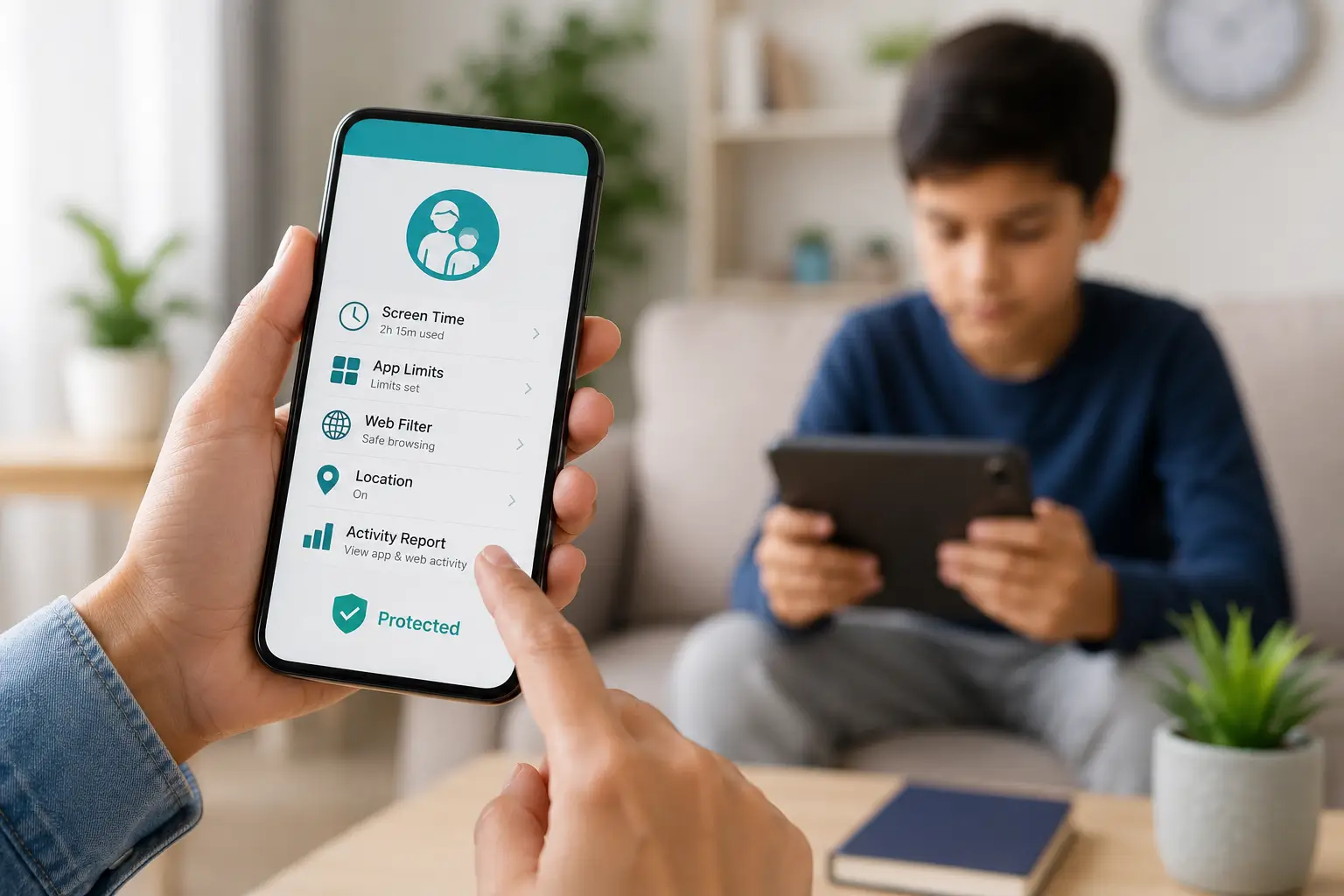
Nowadays, every parent in India has a significant challenge. Children stare at cell phones, laptops, and tablets for hours. Children utilize mobile displays for entertainment as well as academic purposes. Children may unintentionally view offensive material, spend too much time playing games, or converse with hazardous strangers online.
As a parent, you want to keep your child safe without fighting with them every single day. This is where a parental control app comes to your rescue. A good app acts like a digital lock and key. It helps you block bad websites, set screen time limits, and see what your child does online. If you feel confused about which app to pick, you are not alone. Let us know how to choose the right option for your family in very simple words.
Parental Control App and Its Need
It is a software tool that you install on your phone and your child’s phone. It lets you manage what your child sees and does on their device. You do not need to sit next to your child all day to keep them safe. The parental control app does the hard work for you quietly in the background.
Indian parents often worry about their kids getting addicted to online games like Free Fire or watching endless reels on Instagram. Without help, children lose track of time. A reliable app lets you lock the phone automatically when it is time to study or sleep. It gives you peace of mind while you are busy cooking, working in the office, or doing household chores.
Things to Check Before Choosing a Parental Control App
Finding the right tool does not require a degree in computer science. You only need to look at a few simple features that matter for your daily life.
1. Device Compatibility
Confirm whether the parental control app is compatible with the phones used by your family. Some Indian families use iPhones, and some choose Android phones like Samsung, Realme, or Redmi. Confirm that the app functions properly and does not hang on your phone.
2. Screen Time Limits
Children frequently neglect to put down their phones. You can establish a daily time limit with a decent app. The phone automatically locks when the allotted time has passed. You can avoid daily conflicts and yelling at home with this tool.
3. Web Filtering and Content Blocking
The internet contains a lot of garbage that kids should not see. Look for a parental control app that blocks adult websites, violent games, and social media apps that you do not approve of. It should keep your child away from online dangers effortlessly.
4. Location Tracking
Many parents in India worry when their children go to school, tuitions, or play outside. A built-in GPS tracker helps you see your child’s live location on a map. You know instantly when they reach school safely or come back home.
Popular Parental Control Apps to Consider
When you start looking for the right tool, you will find many options in the app store. To make your choice easier, let us look at a few trusted apps that many parents use today.
1. Google Family Link
Many Android-using families love Google Family Link. It helps you control daily screen time, lock the phone when it is time to sleep, and choose which apps your child can download from the Play Store. You can also view their location on a map as long as they carry their phone. The best part is that it is completely free to use, making it a great starting point for budget-conscious parents.
2. Qustodio
Qustodio is a powerful premium app that works with Mac laptops, Windows PCs, Android phones, and iPhones. It monitors social media activity on apps like YouTube and Instagram, monitors text messages, and bans malicious websites. Additionally, it provides you with clear daily statistics so you can monitor your child’s internet usage. All of its features require an annual charge, but it offers parents extensive control when they desire additional security.
3. Kaspersky Safe Kids
Another reliable choice for keeping your child secure on a variety of devices is Kaspersky Safe Kids. You may check safe search results on Google and YouTube, establish screen time schedules, and block harmful content. Additionally, it features an integrated GPS tracker so you can always be aware of your child’s location. For simple tools, you can use the free version; for more sophisticated security, you can purchase the paid version.
Free Apps vs Paid Apps: Which One Should You Pick?
Many parents wonder if they should pay money for a parental control app or use free options. Free apps sound great, but they usually come with hidden limitations. They might only offer basic features like blocking a few websites, while locking the best features behind a monthly subscription.
Paid parental control apps typically provide better customer service, upgrades, and sophisticated controls. On the other hand, you shouldn’t spend money on pricey features that you won’t utilize. First, consider the real needs of your family. A basic free tool or the built-in phone settings may be sufficient if all you want to do is restrict screen time. It makes sense to spend a little money on a reliable premium app if you want location tracking and extensive monitoring.
How to Talk to Your Child About Parental Control Apps
Installing a parental control app secretly can break your child’s trust. Children in India are smart and clever. If kids feel you are spying on them, they will find ways to get around the limits or use a friend’s phone.
Talking openly works much better than secretly spying. Sit down with your child and explain why you are installing the app. Tell them that the internet has bad things, and just like you hold their hand while crossing a busy road in Delhi or Mumbai, this app keeps them safe on the internet. When kids see that you want to keep them safe instead of punishing them, they accept the rules easily.
Conclusion
Selecting the best software to protect your child doesn’t have to be difficult. Start by considering your greatest concern, such as an addiction to video games, unreliable websites, or uncertainty about your child’s whereabouts. Select a straightforward app that works well on your phones and meets your budget. Keep in mind that technology is merely a tool. Talking to your child honestly, spending time with them, and creating a caring environment where they feel comfortable sharing anything with you are the greatest ways to keep them safe online.