

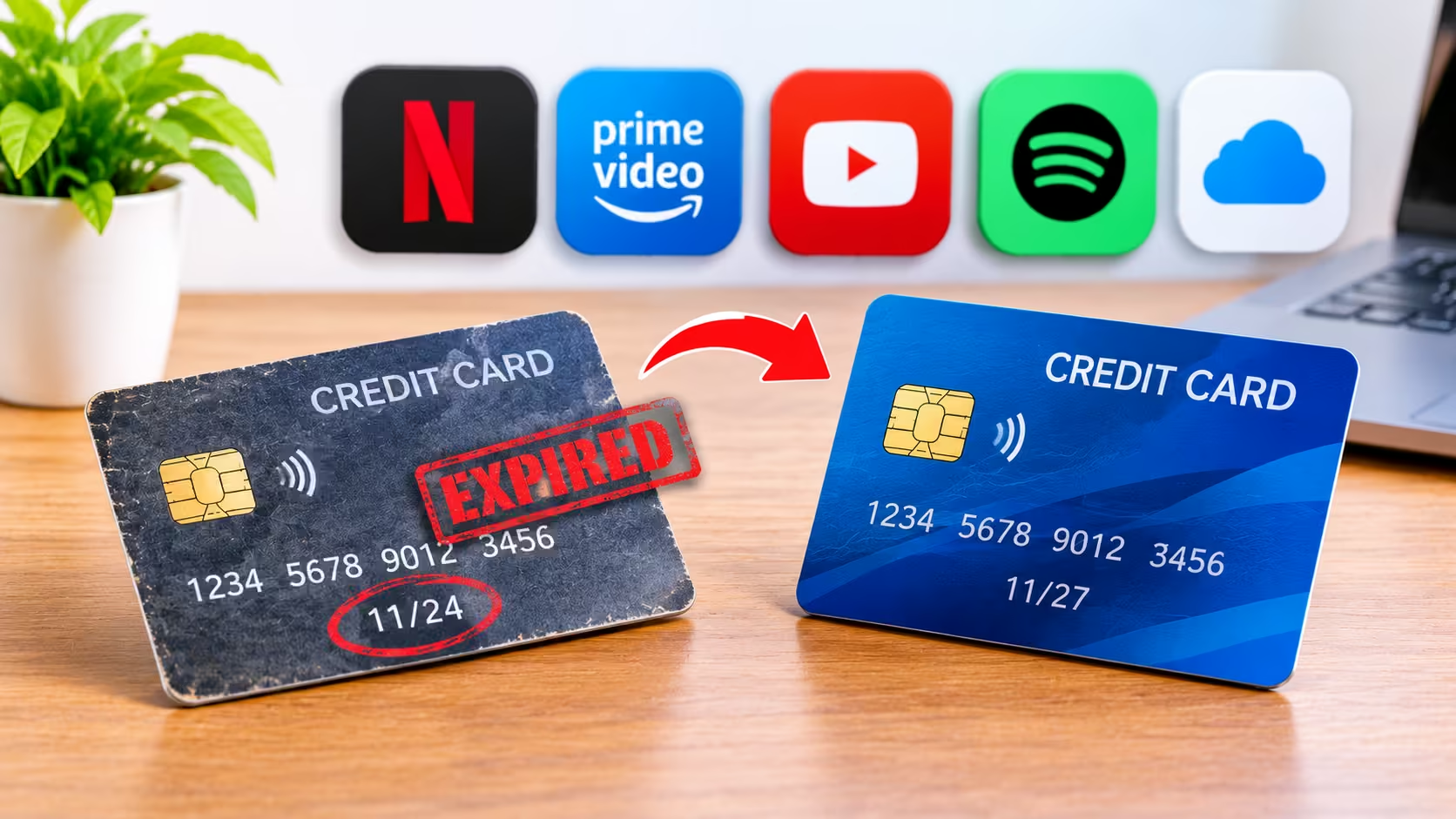
Imagine you are watching your favourite series on Netflix when you receive an email saying your subscription payment has failed. You check your account and realise that your credit card has expired. This situation can happen to anyone. Many people use credit cards for monthly subscriptions such as Netflix, Amazon Prime, Spotify, YouTube Premium, cloud storage and other online services. They set up automatic payments once and forget about them.
But when a credit card expires, some recurring payments may stop working. This can interrupt your subscriptions and create unnecessary problems. The good news is that you can avoid most of these issues with a few simple steps.
What Happens When Your Credit Card Expires?
Every credit card has an expiry date printed on its front or back. You can usually find the month and year in the MM/YY format. When your card expires, your bank may issue a replacement card. The new card may have a different expiry date and security code. In some cases, the card number may also change.
Now think about the subscriptions linked to your old card. Services such as Netflix, Amazon Prime, and Spotify may still have your previous card details saved. The subsequent automatic payment may be denied if the payment system is unable to utilise the new card details. After that, the service can request that you modify your payment method.
Why Do Your Subscriptions Stop After Credit Card Expiry?
Many online services use recurring payments to collect subscription fees every month or year. For example, suppose you pay ₹649 every month for an online subscription. You register your credit card once and allow the service to collect the payment automatically.
Your card information does not need to be entered each month. The payment system complies with your authorised instructions. However, this procedure may be hampered by an expired card. Here are some common reasons:
1. Your Old Card Details No Longer Work
Your subscription provider may have your old card’s expiry date and other payment information. When the next payment arrives, the bank may decline the transaction.
2. Your New Card Has Different Details
Your replacement card may carry a new card number or security code. Some payment systems may not automatically receive these updated details.
3. Your Bank May Not Update Every Subscription
Services that provide participating merchants with up-to-date card information are supported by some banks and card networks. This does not, however, ensure that all subscriptions will receive the updated information.
Therefore, rather than trusting that everything will continue on its own, you should verify your important subscriptions.
What Should You Do When Your Credit Card Expires?
You do not need to cancel your subscriptions just because your credit card expires. Follow these steps to avoid payment failures.
Step 1: Check Your New Credit Card
Check whether your bank has issued a replacement card. Many banks send a new credit card before the existing card expires. You may receive it through a courier service or another delivery method provided by your bank.
Activate your new card by following the bank’s instructions. Check the card number, expiry date, and other details carefully. If you have not received your replacement card, contact your bank through its official website, mobile app, or customer care number.
Step 2: Make a List of Your Active Subscriptions
Before updating your payment details, identify all the services connected to your old credit card. You may forget some subscriptions because they collect small amounts automatically. Verify your credit card statements and look for regular payments. You can also review the billing sections of your online accounts.
Some common subscriptions include:
- OTT platforms like Netflix and Amazon Prime.
- Music services such as Spotify and YouTube Premium.
- Cloud storage and online software subscriptions.
- Gym memberships and other monthly services.
- Online learning platforms and digital memberships.
Simple list of service name and payment date. This helps you avoid missing essential subscriptions.
Step 3: Update Your Payment Details
Open each subscription account and go to its payment or billing area. Look for something like Manage Payment Method, Update Card, or Add New Card. If required by the service, provide your new card details and complete the verification process. The precise steps may differ from service to service. Always utilise the official website/application.
Step 4: Check Your Recurring Payment Settings
Updating your card details does not always mean your recurring payment setup has also been updated. You will need to set up a new recurring payment instruction for some services. Your bank may require further confirmation as well. Verify that the new card has an active payment mandate for the subscription. If you are uncertain, contact your bank or subscription provider before the next billing date.
Step 5: Check Whether the Payment Works
Review your next billing date and payment status once you update your information. Some providers might do a little temporary transaction to check your new card. Review payment details and terms before approval. You might also want to check your bank transaction alerts to see if the payment was processed. If your payment has failed again, contact your service provider and bank to know the cause.
Does Your Bank Automatically Update Subscriptions After Card Renewal?
This is an important question because many people expect their banks to handle everything automatically. Card-updater services are supported by some banks and card networks. When a bank issues a new card, these services can provide participating merchants with updated card information. In its Digital Payments – E-mandate Framework, 2026, the Reserve Bank of India also discusses this issue.
This method can be used to map reissued cards to current card e-mandates. However, this does not mean that all memberships will continue permanently or receive new information right away. The bank, card network, and subscription provider may all have an impact on the outcome. Therefore, check your important subscriptions after receiving a replacement card. You can read the official RBI E-mandate Framework, 2026 for more information.
What If Your Subscription Payment Has Already Failed?
If you get a notification that your payment was unsuccessful, don’t panic. The majority of subscription providers offer the choice to change your payment method or attempt the payment again.
Follow these steps:
- Open the official website or application of the subscription service.
- Check your account’s billing or payment section.
- Update the expired card details with your new card.
- Complete any required verification.
- Check whether the service has successfully received the payment.
Access to certain services could be momentarily suspended until the outstanding balance is paid. Others could provide you with a brief window of time to change your information. Always check the service’s payment policy rather than assuming that it will automatically retry the transaction.
Simple Tips to Avoid Subscription Payment Problems
A little planning can save you from payment failures and interrupted services.
1. Set a Reminder Before Your Card Expires
Check your card’s expiry date and set a reminder at least a few weeks before it expires. This gives you time to receive and activate your replacement card.
2. Keep Your Bank Details Updated
Ensure your bank has your accurate mobile number, email address, and delivery address. This will ensure you get critical card and payment notifications.
3. Review Your Subscriptions Every Month
Check your bank and credit card statements. This lets you see active subscriptions and payments you no longer need.
4. Keep an Alternative Payment Option
If a subscription allows more than one payment method, think about including an additional appropriate choice. When your primary card stops functioning, this can be helpful. However, before adding a new payment method, review the provider’s policies.
5. Never Share Your Card Security Details
Only update card information through trusted websites and official applications. Never share your CVV, PIN or OTP with anyone over a phone call or message.
Conclusion
When your credit card expires, you don’t have to cancel your cherished subscriptions. However, don’t assume that every automatic payment will continue without any issues. Check your new card, review your existing subscriptions, and change your payment information as necessary. Additionally, make sure your standard payment instructions are current.
Make it a practice to review your subscriptions prior to the expiration of your payment card. Unexpected service interruptions and lost payments can be avoided with a quick investigation. Keeping your credit card up-to-date is more than simply making payments. That also means keeping your monthly services up and running.